

Belgium - NL


Anlisa is a software that improves the invoicing process by using assignment letters. These letters are created based on the number of documents processed and the associated costs.
By working with Billtobox, Anlisa provides instant visibility into how many documents you have processed for each client. This helps you verify that your initial estimates match the actual amount of work. If there is a significant difference, you can adjust the amounts on the advance invoices to avoid surprises.
In addition, the combination of Anlisa and Billtobox makes it possible to compare the estimated and actual quantities of invoices processed during the annual post-calculation. This insight is crucial in deciding whether to send additional invoices, adjust your order letters or change the monthly invoice amount. All this contributes to better financial control and more efficient operations.

.png)

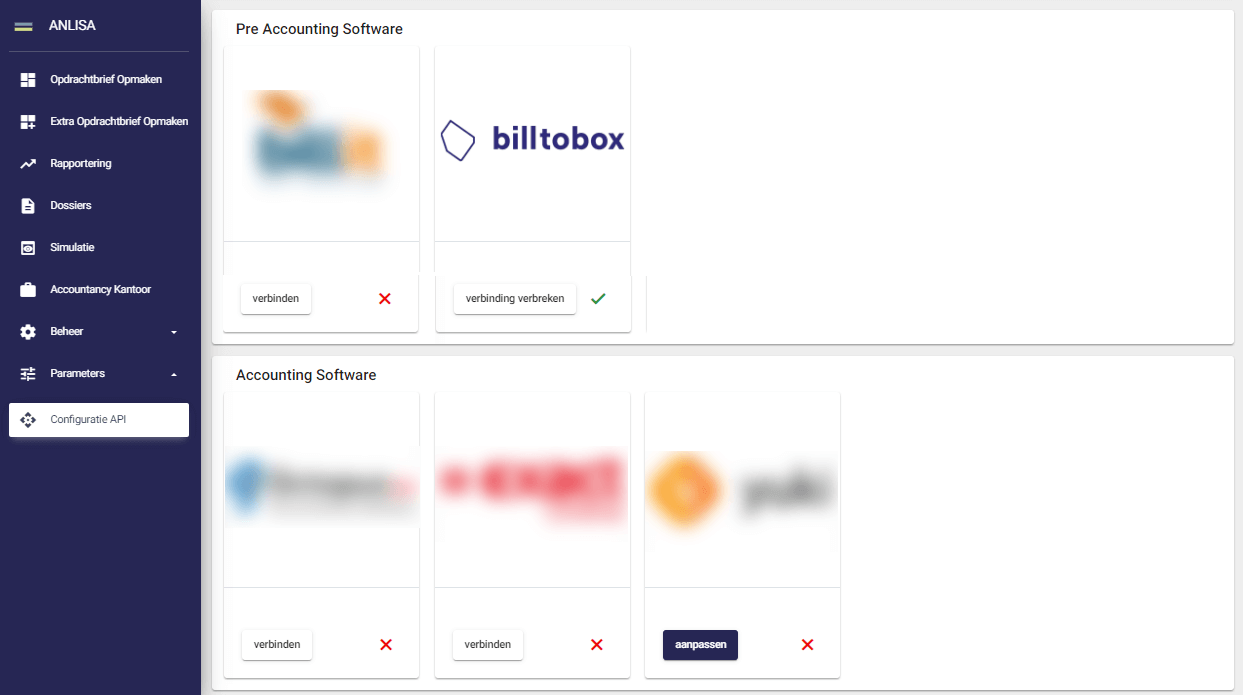

In Anlisa, in the left dashboard, click 'Parameters' and then 'Configure API'. Then click on 'Connect' under the logo of Billtobox.
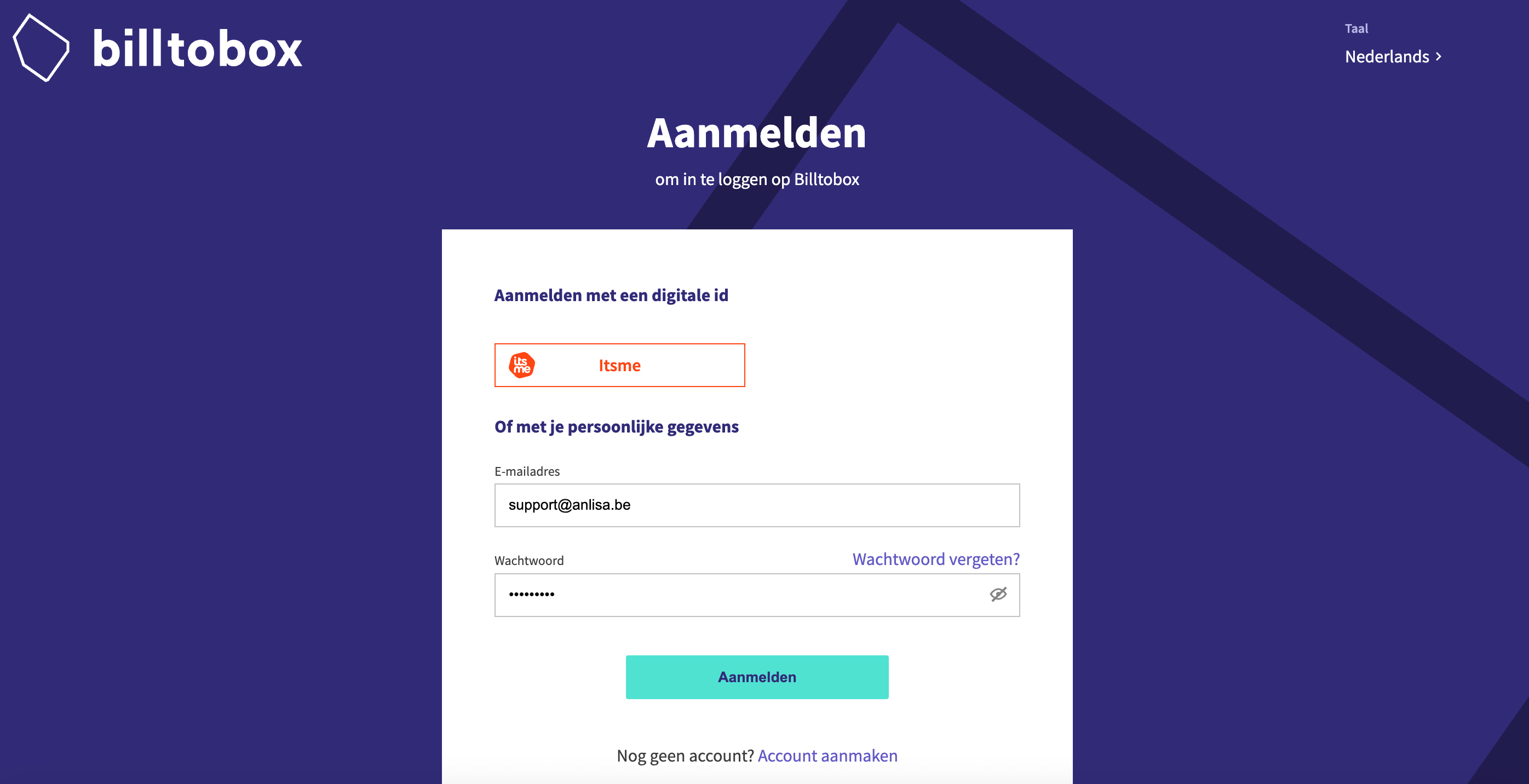
You will now be automatically redirected to Billtobox. Sign in with and digital ID or enter your email address and password. Then click on "Connect with Anlisa.
If the connection is successful, you will automatically return to Anlisa and see a green check mark under the logo of Billtobox. This confirms that the data transfer is working. If you want to temporarily disconnect or stop the data transfer, click 'Disconnect'.

The most efficient way to receive, process and send invoices and payments
.

Adding Banqup paylink to your sales invoices will make it easier for your customers to pay your invoices.


The most efficient way to receive, process and send invoices and payments
.


Important update for new customers:
Starting in June 2026, we will be welcoming new customers to our new and improved Banqup platform. From that point on, it will no longer be possible to create a new account on Billtobox.


The latest news, articles and resources weekly in your inbox.


